

Western Digital Data Recovery
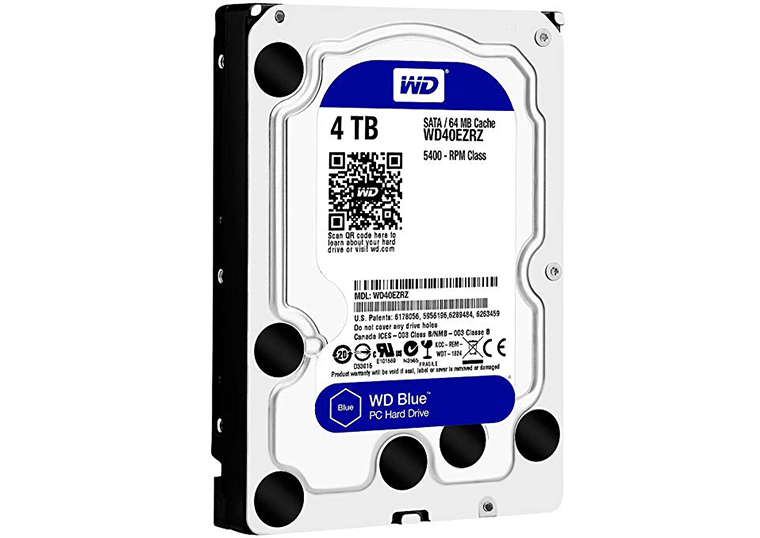
Today, one of the world’s most famous hard drive manufacturer is Western Digital (WD), who needs no more introduction. Its reputation is based on being the most highly recognised and largest hard drive manufacturer in the industry, producing high-performance hard drives known as WD hard drives. If you are using a WD hard drives, finding a company that has excellent data recovery knowledge is quite important in the event of data loss.
Western Digital Data Recovery Experts in Temecula
Most Western Digital (WD) hard drive users are in trouble if they accidentally lost the data that was stored on their hard disk. Sometimes, it is necessary to format the partition or delete a partition and then create a new partition when carrying out a reinstallation or a repair to the operating system. Some users don’t back up their data before they delete the partition or wrongly format their disk by error, only to realise that their precious work and personal data was gone after a few wrong quick clicks.
These are few common reasons of logical failure to a Western Digital (WD) hard drive:
- Potential virus attack
- Power failure/Shortage
- Disk Partition corrupted etc.
- Human error leading to a accidental formatting or deletion of data
Other Western Digital (WD) hard drive failures include mechanical hard drive failures which are often more complex to deal with then logical problems. These can be:
- Hard disk head crash
- Hard drive damaged after a fault
- Mechanical failure to an internal component including the motor
- Other physical failures that lead to a WD hard drive making clicking or grinding noises affecting the platters
Whatever the failure, Recover My Lost Data (RMLD) is able to help you quickly and retrieve the data from any Western Digital (WD) internal or external hard drives including WD Black Performance desktop hard drive, WD Black Performance mobile hard drive, WD Blue PC desktop hard drive, WD Blue PC mobile hard drive, Ultrastar SATA Series, WD Purple surveillance hard drive, WD Red NAS hard drive or WD Red Pro NAS hard drives in a secure and confidential manner at a very competitive price for clients in Temecula, California.
Our state of the art Western Digital data recovery lab in Temecula, California is well equipped to carry out logical data recovery and physical data recovery with a high level of success. We also stock numerous donor drives and can offer fast and efficient repair through part transplants to WD hard drives that have physically failed.
Call Recover My Lost Data (RMLD) now on (951) 595 8065 to get some advice or discuss your Temecula Western Digital data recovery needs.